
Get Your W-9 Form Online
Complete your W-9 form online in just a few minutes. Fill it out, sign it, and download your completed PDF.
 Easy to complete
 Secure & private
 Instant download
This website is not affiliated with the IRS or any U.S. government agency.
 Fast & EasyGet things done in seconds
 Secure & PrivateYour files are automatically deleted after processing
 Works AnywhereOn desktop, tablet and mobile
 All-in-OneEdit, convert, merge, sign and more
Complete Your W-9 in 3 Simple Steps
Fill out your W-9 online quickly and easily — no printing or scanning required.
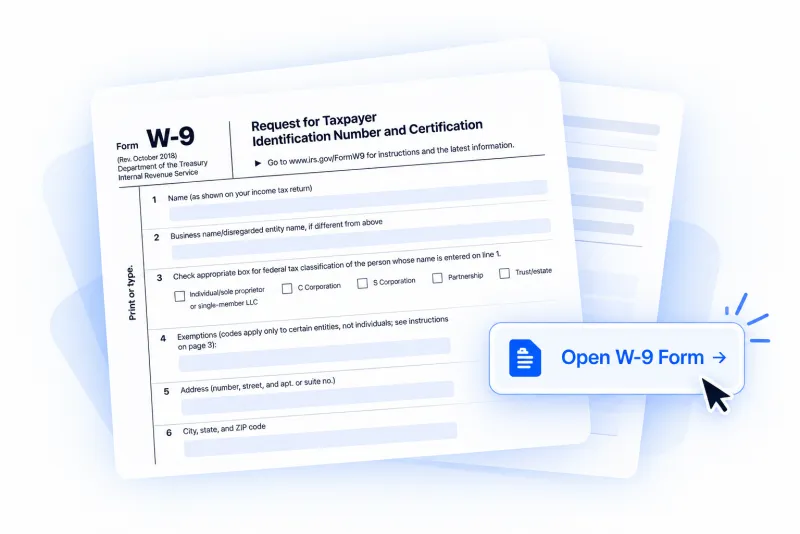
 01
Start Your W-9
Open the W-9 form and start filling it out online.
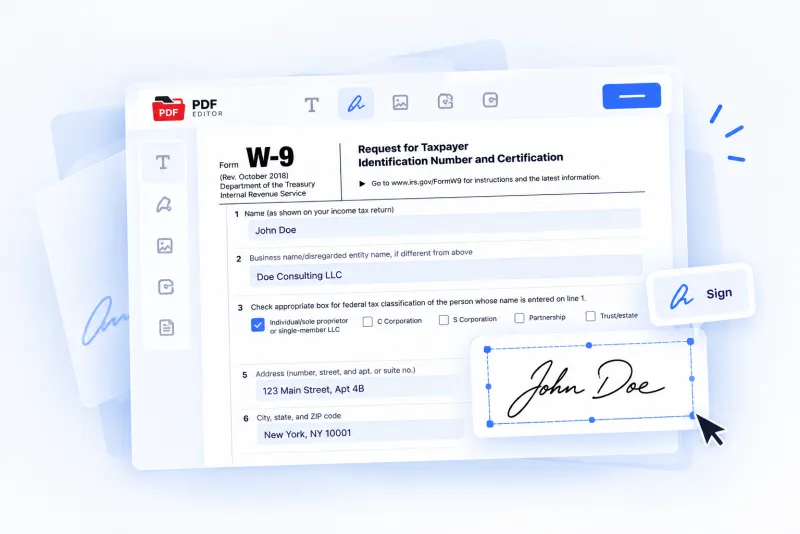
- 02
Fill Out & Sign
Enter your information, complete the required fields, and add your signature.
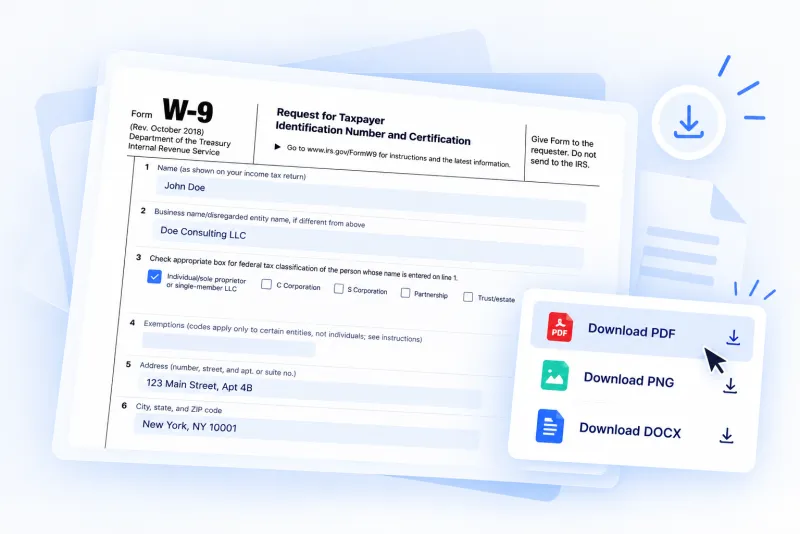
- 03
Download Your Form
Finish your W-9 and download your completed PDF.
 No printing
- No scanning
- Complete online
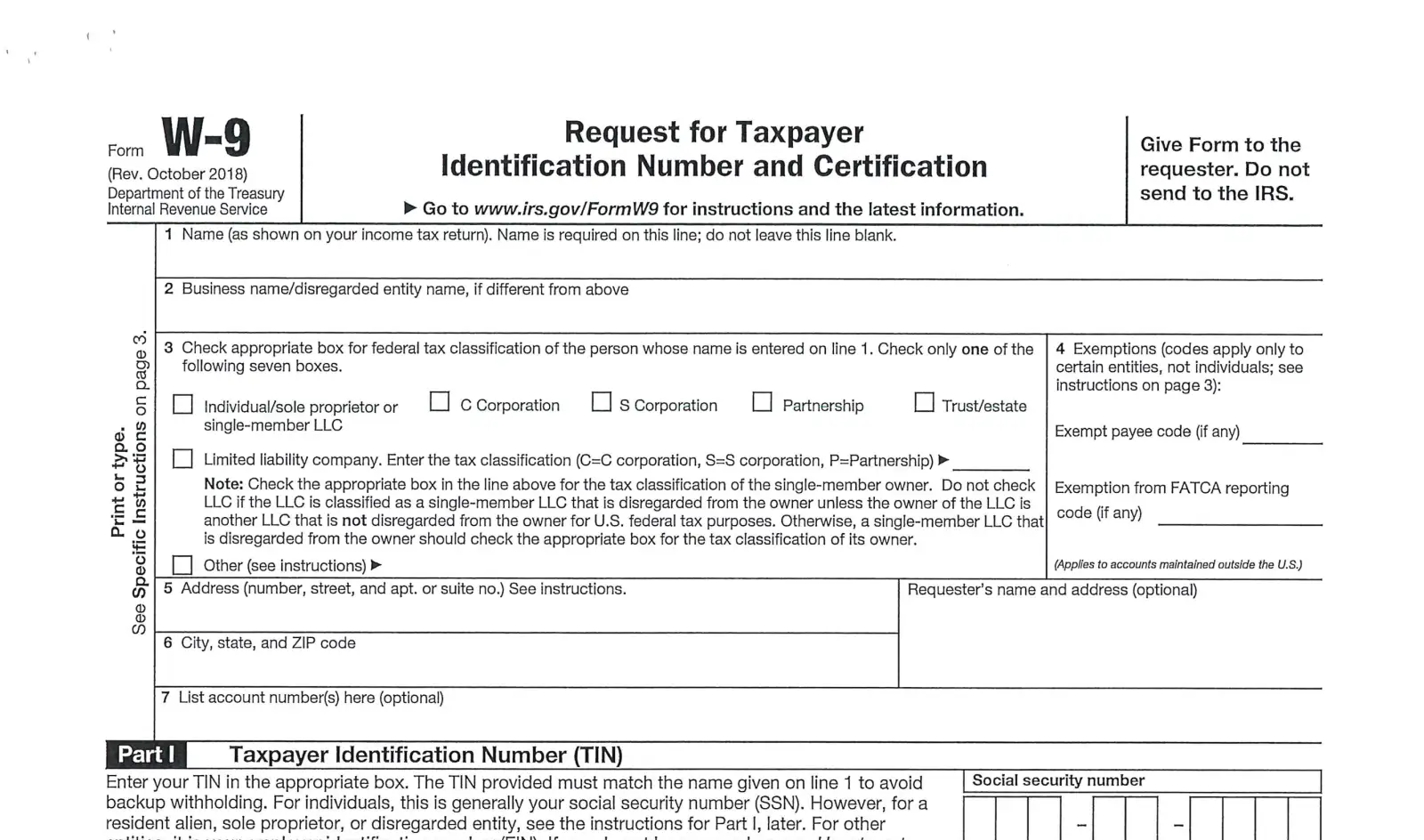
What Is a W-9 Form?
Form W-9 is used to provide your taxpayer identification information to a person or business that needs it for tax reporting purposes.
The form typically includes your name, business name (if applicable), federal tax classification, address, and Taxpayer Identification Number (TIN).

Provide your taxpayer information
Enter the information required for tax reporting.

Confirm your tax classification
Select the federal tax classification that applies to you.

Provide your TIN
Enter your Social Security Number (SSN) or Employer Identification Number (EIN), as applicable.
How to Fill Out a W-9 Form
Complete your W-9 by entering your taxpayer information, selecting the correct tax classification, and signing the form.
- 1
Enter your name
Provide your name as shown on your federal income tax return.
- 2
Add your business name
Enter your business or disregarded entity name, if different from your name.
- 3
Select your tax classification
Choose the federal tax classification that applies to you.
- 4
Enter your address
Provide your current mailing address, including city, state, and ZIP code.
- 5
Provide your TIN
Enter your Social Security Number (SSN) or Employer Identification Number (EIN), as applicable.
- 6
Sign your W-9
Review your information, then sign and date the form to complete it.






W-9 Form Questions and Answers
The basics of Form W-9. For your own tax situation, follow the IRS instructions on the form or ask a tax adviser.
Who needs to fill out a W-9?
A U.S. person, including a resident alien, who is asked for one by a business or person that has to report payments to the IRS. Typical cases are independent contractors, freelancers and vendors, and people who receive interest, dividends or rent. Employees fill out Form W-4 instead, and foreign persons use a Form W-8.
Do I send my W-9 to the IRS?
No. Give the completed form to the person or business that asked for it. They keep it on file and use it to prepare information returns such as Form 1099-NEC.
Should I enter my SSN or my EIN?
Individuals enter their Social Security Number. A sole proprietor may enter either an SSN or an EIN. A single-member LLC that is a disregarded entity enters its owner's SSN or EIN, and corporations and partnerships enter the entity's EIN. The IRS instructions on the form cover every case.
Which version of the W-9 will I fill out?
The IRS original, Form W-9 (Rev. March 2024), all six pages. This revision added line 3b for partnerships, trusts and estates with foreign partners, owners or beneficiaries.
Can I sign a W-9 electronically?
The IRS allows requesters to accept an electronically signed W-9. The person or business asking for the form decides which format they take, so check with them if you are unsure.
Does a W-9 expire?
No, a W-9 has no expiry date. Give the requester a new one when the information on it changes, for example your name, your tax classification or your TIN.
Is the information I enter kept private?
What you type and your signature stay in your browser and are not sent to our servers. The form is saved only on the device you filled it out on.
What does it cost?
You can fill out and sign the form before you pay anything. Downloading the completed W-9 needs a PDFSwap plan, and the price is shown before you pay. The FAQ lists the plans.

COMPLETE YOUR W-9 ONLINE
Ready to Complete Your W-9?
Fill out, sign, and download your W-9 form online in just a few minutes.